Claude Code can't create images. Now yours can.
This kit wires OpenAI's best image model directly into Claude Code, so the tool that already writes your copy and builds your pages can generate on-brand social graphics, ad variants, and mockups without ever leaving your workspace.
Get the free kit, sent instantly
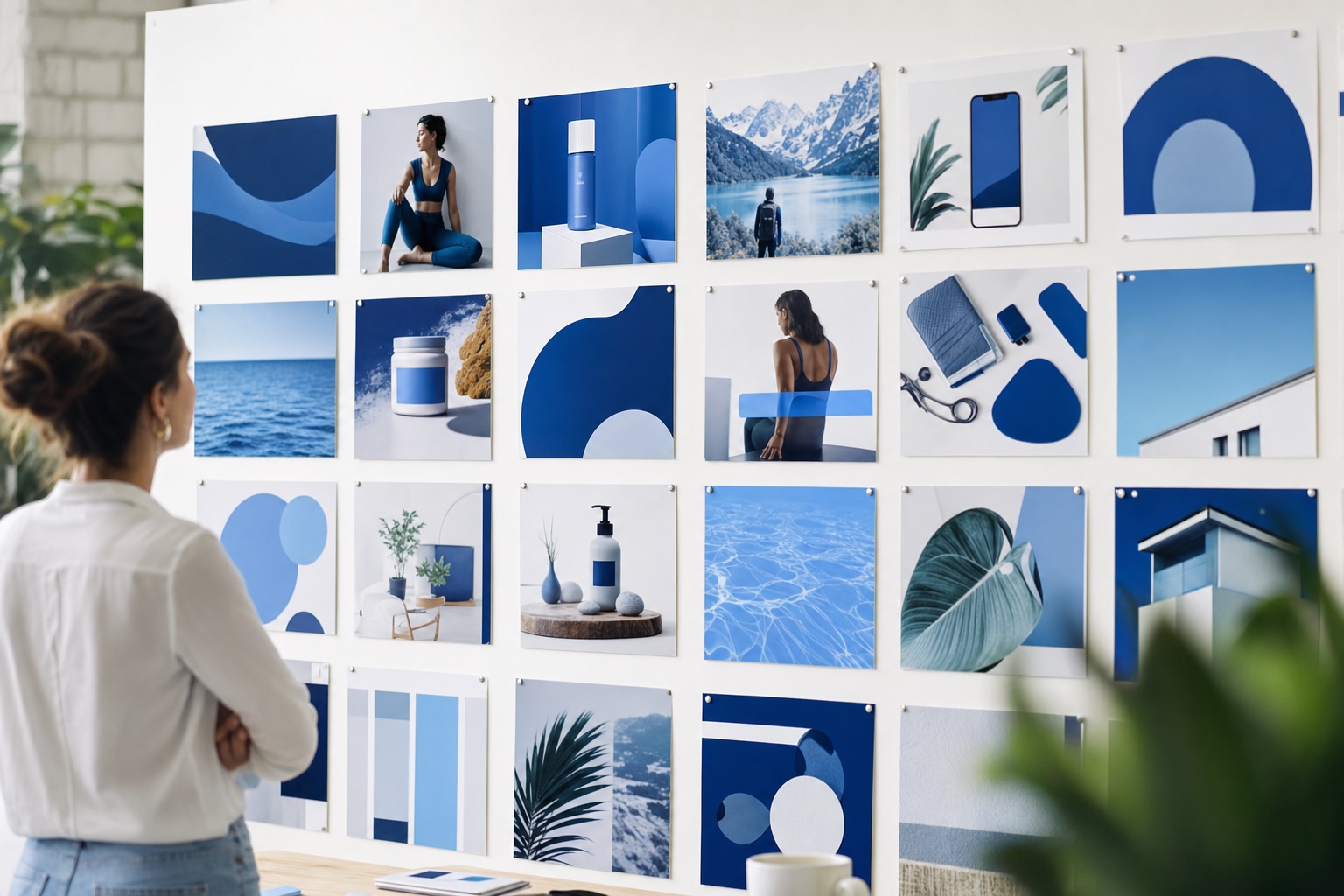
What this changes for your agency.
Every small creative request that used to wait in a designer queue now takes one command. That is margin you keep and speed your clients feel.
Social graphics on demand
A month of client social visuals in an afternoon. Brand colors and style baked into the prompt, saved straight to the client folder.
Ad variants at volume
Ten concepts per campaign instead of two. Test more angles, kill losers faster, and stop rationing creative because production is slow.
Mockups in the sales call
Prospect describes their vision, you generate a comp while they watch. Nothing closes a pitch like showing the work before you're hired.
Transparent assets for decks
One flag gives you transparent-background icons and cutouts, ready to drop into client decks and proposals without a Photoshop round trip.
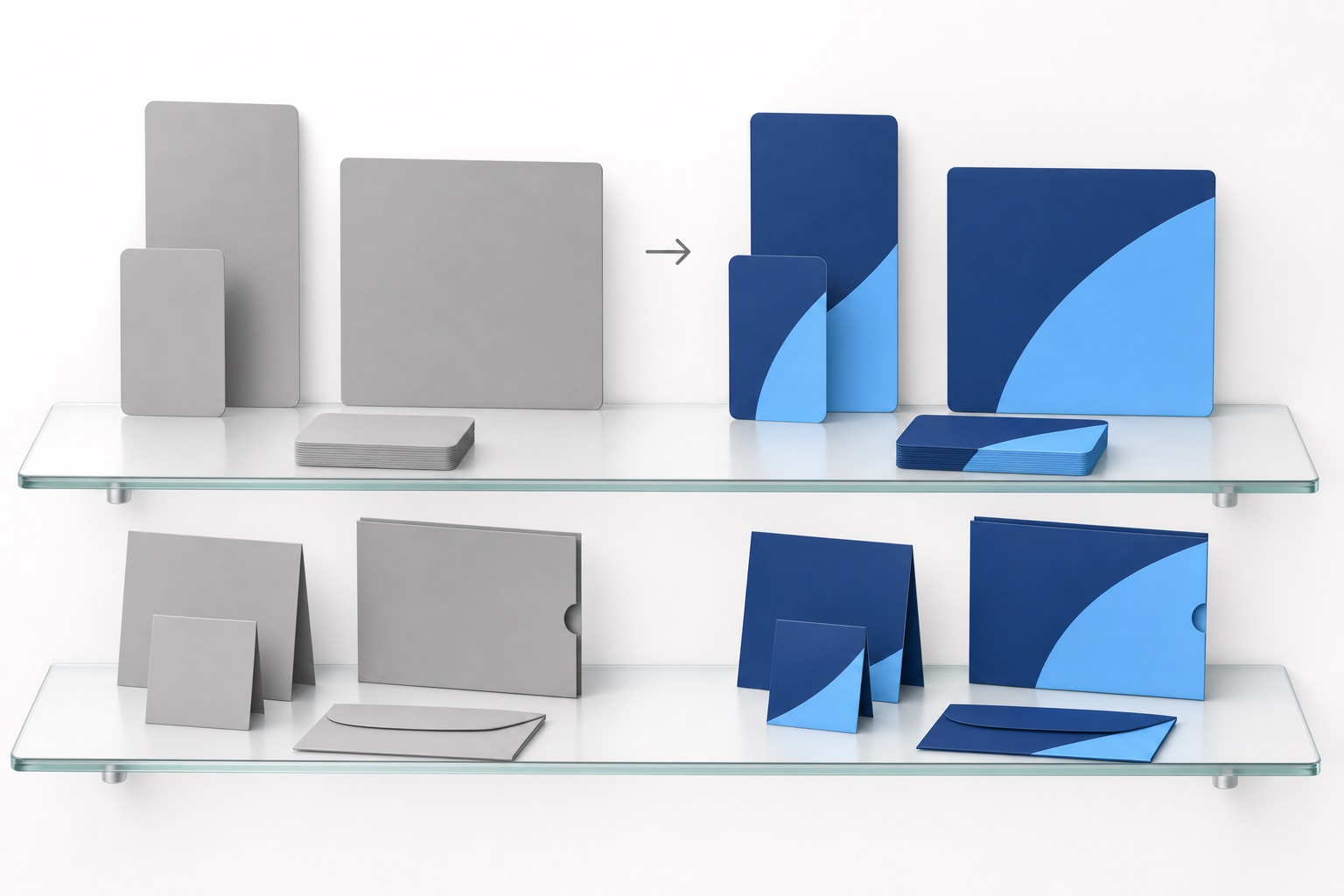
What's inside, and how Claude sets it up for you.
- The imagegen CLI. A lightweight Python tool, standard library only, nothing else to install. It calls OpenAI's gpt-image-2 model and saves finished files to disk.
- Full flag control. Sizes and orientations, quality levels, up to 10 variants per run, transparent backgrounds, plus an edit mode for reworking existing images.
- Claude Code install instructions. A guided setup Claude runs for you, ending with a CLAUDE.md entry so every future session already knows the tool exists.
Drop the zip into Claude Code
Tell Claude "set this up." It unpacks the tool, installs it on your PATH, and wires everything without you touching a terminal command.
Paste your OpenAI key
Claude opens the key file for you. Paste your key from your own OpenAI account, save, done. The key stays on your machine.
Test it and make it permanent
Claude runs a test generation to confirm billing works, then records the tool in your CLAUDE.md so it's available in every session from now on.
This is the whole workflow.
No web app, no upload queue, no export step. You describe the asset, the files land in your project folder.
Four ad concepts, saved and ready for review, before the kickoff call would have even been scheduled.
A designer hour spent on draft concepts, resizes, and "can we see a blue version" requests.
Per generated draft image, billed to your own OpenAI account. Iterate twenty times before it costs a dollar.
To be clear: this doesn't replace your designers for finished, client-billable work. It replaces the queue in front of them. Drafts, iterations, and throwaway comps get generated; your design hours go to the work clients pay premium rates for.
Get the AI Image Engine Setup Kit.
Drop your name and email and the download unlocks instantly. We'll also send you the setup walkthrough so you can't get stuck.
Please enter your first name and a valid email address.
NO SPAM · NO CARD · UNSUBSCRIBE ANYTIME · JOIN 150+ AGENCY OWNERS ALREADY USING IT
You're in. Grab the kit.
Your download is ready below. Unzip it, drop the folder into a Claude Code session, and say "set this up." Claude handles the rest.
Download the Setup Kit ↓Straight answers.
Do I need to know how to code?
What does it cost?
Is this safe for client work?
Does this replace my designers?
The next small creative request is coming. Answer it in minutes.
Free kit, five-minute setup, and Claude does the installing.
Get the Free Kit →